
How to Download your SelfDecode WGS Raw Files (gVCF, CRAM, and FASTQ)
How Do I Download My WGS Raw Files (gVCF, CRAM, and FASTQ)?
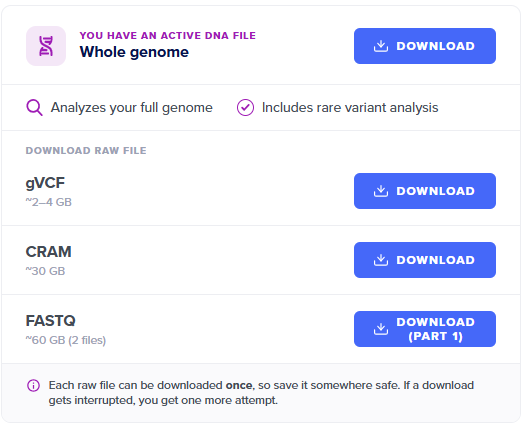
If you ordered Whole Genome Scanning (WGS), you can download your raw gVCF, CRAM, and FASTQ files directly from your My Account page.
Important: These are very large files, and each one can only be downloaded once. Before you start, make sure your device has enough free storage space — if the download gets interrupted partway through, you’ll need to contact us to request another attempt.
Steps:
- Log in to your SelfDecode account.
- Go to the My Account page.
- Find the file you want — gVCF, CRAM, or FASTQ — and select Download.
Having trouble with a download, or need another attempt? Reach out to support@selfdecode.com and we’ll take a look.