
DecodyGPT: Your client's 24/7 virtual health coach
AI Hyperintelligence is the AI health coach included in every standard client profile. It delivers personalized insights based on your client's genetic data and lab results — use it to ask health questions, prioritize lab results, or explore tailored recommendations.
How to Access AI Hyperintelligence
- Click the client profile (name) you want to view.
- Select AI Hyperintelligence from the navigation panel
Using AI Hyperintelligence
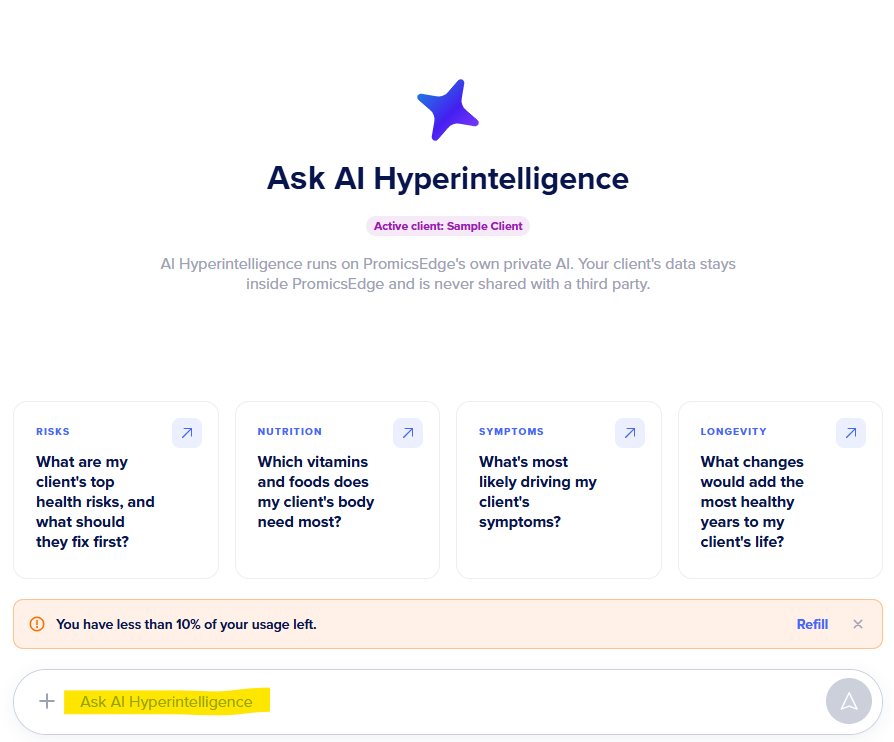
Type your question into the text box labeled Message AI Hyperintelligence.
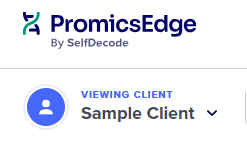
Note: The active client is always shown in the top left-hand corner of the page:
If you're unsure where to begin, click one of the four sample questions to jump-start the conversation.

AI Hyperintelligence returns a personalized response tailored to your client. Reply to ask for more detail, and be as specific as possible for the most accurate, useful results. Check out our prompt guide for how we recommend interacting with the AI.
Clients with their own account can also ask AI Hyperintelligence questions. If they're unsure where to start, refer them to How to use AI Hyperintelligence.
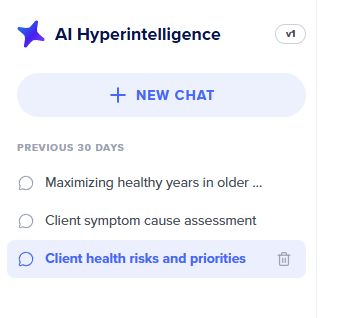
Note: You and your client can view and manage all current and previous chats, or start a new chat, from the left side of the chat window.
Important: AI Hyperintelligence is not trained to assist with site navigation. For navigation help, see the Client Result Navigation Help Center or contact support@promicsedge.com.
Usage and Limits
For details on usage and refills, see PromicsEdge AI Hyperintelligence usage & limits or contact support@promicsedge.com.